
Visual Canvas
Design signal flow and physical layout on a drag-and-drop canvas. Map audio, MIDI, CV, and power connections clearly.
Build your setupAudioMIDICVPower
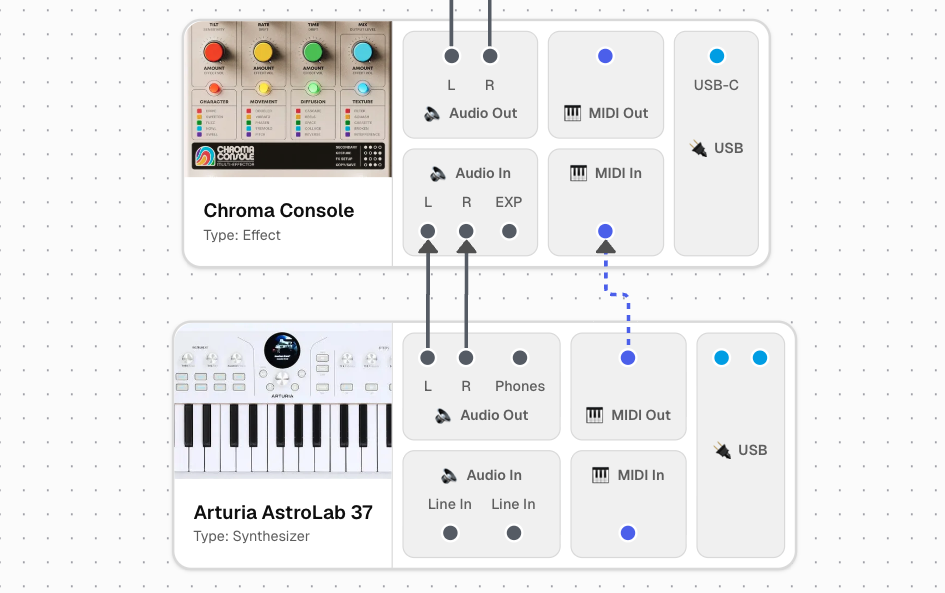
A planning and documentation tool for music setups. Design signal flow, document routing, and understand how your gear works together.
Studio Architect combines a visual canvas, structured gear data, and shared examples to help you plan, document, and explain complex setups.
Design signal flow and physical layout on a drag-and-drop canvas. Map audio, MIDI, CV, and power connections clearly.
Build your setupBuild your personal gear collection with detailed specs, I/O configurations, and notes.
Explore gear presets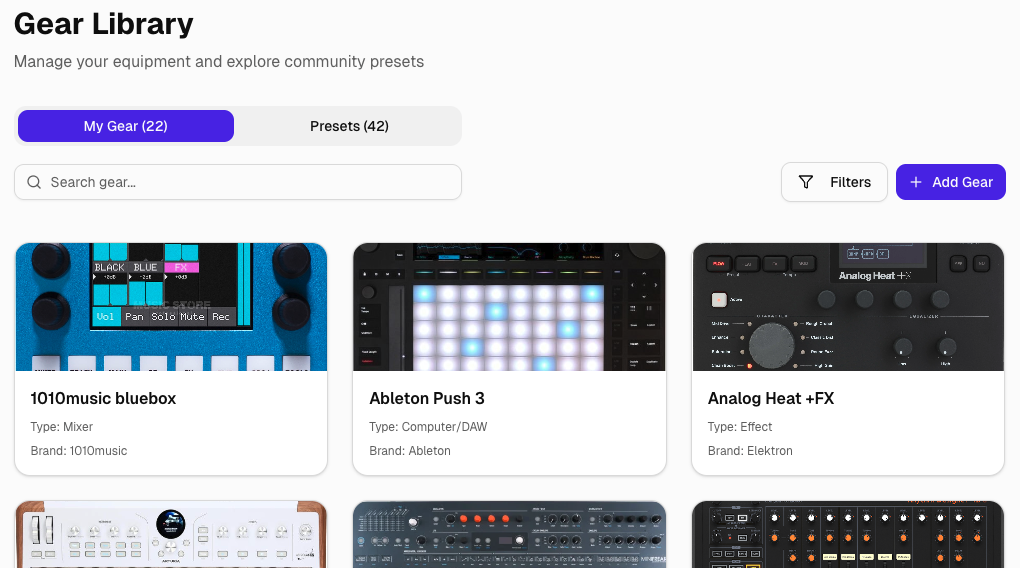
Get recommendations for projects, videos, and discussions based on your actual gear.
Share setups with bandmates, collaborators, or the community. Keep everyone on the same page with living documentation.
Document routing decisions, presets, and workflow notes directly alongside your setup.
Explore real-world setups shared by other users. Browse by gear, use case, or context.
Create custom MIDI control surfaces for your synths, drum machines, and MIDI gear — powered by your Studio Architect gear library.
Build freely, then upgrade when you’re ready to share or scale.
Perfect for evaluation and simple setups.
Start freeFor serious setups and long-term planning.
Get Plus